Comic creatorYour story, panel by panel.
Make a comic online: pick a page layout, drag or tilt its panels, describe each one and it's drawn in your comic's art style, with your characters looking the same in every panel and the lettering added on the page. Your first 3 panels are free; after that a panel is 10 credits ($0.02), and the price is on the button before you draw.
- 17 layouts, panels you can drag and tilt
- Characters that keep their look
- Balloons, captions and sound effects
Updated
How it works
How to make a comic page
- 1
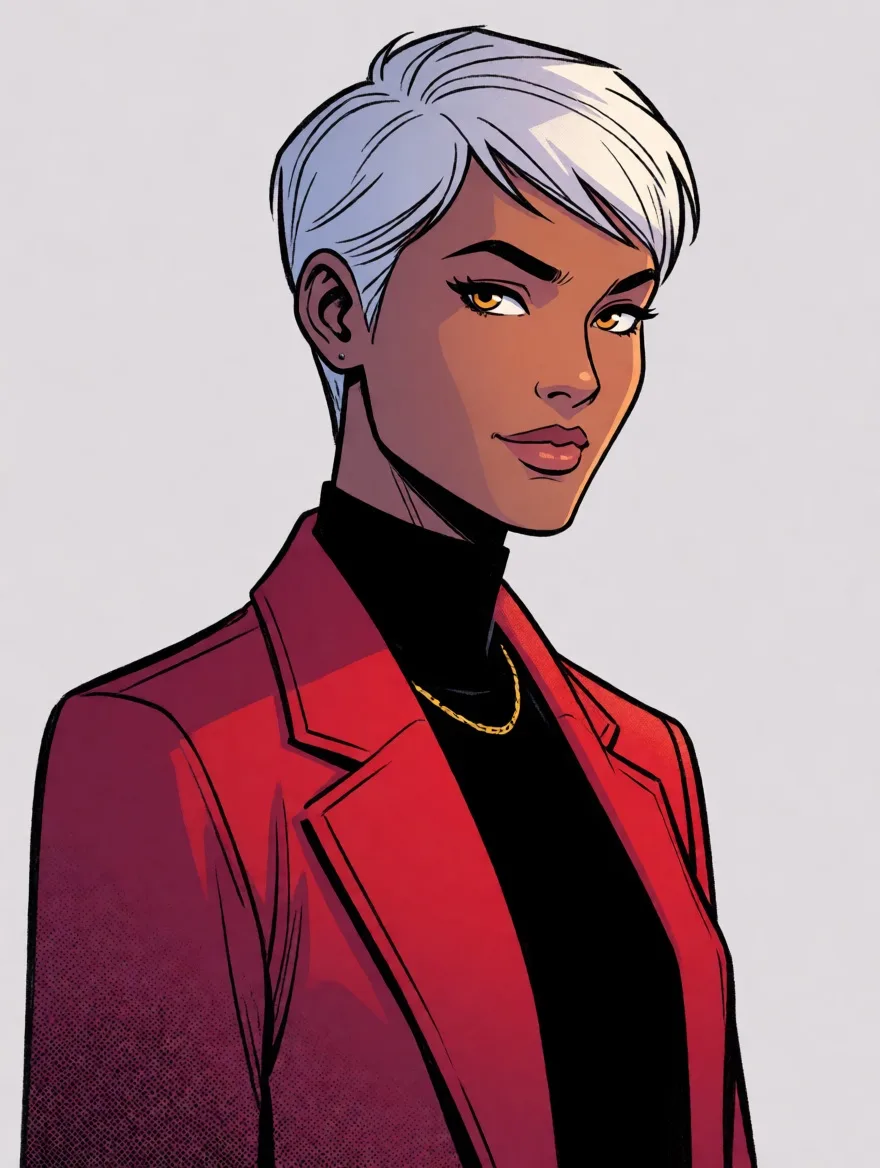
Pick one of 17 page layouts and an art style for the whole comic. Drag the lines between panels to resize them, or their ends to tilt them.
- 2
Press a panel and say what happens in it, or let the helper write the scene. Pick who is in it, and drag boxes to put things exactly where you want them.
- 3
Letter the page with balloons, captions and sound effects, change any part of a panel with a click, add pages, and export a page or the whole comic.
What you get
A page, start to finish
Everything a comic page needs
- A comic page in a layout you shaped, slanted panels included
- Every panel in one art style, with characters who look the same throughout
- Speech balloons, thought bubbles, captions and sound effects on the page
- Things placed where you drew their boxes, and any detail changed with a click
- The page as a print-size picture, or every page in one PDF
- Your comics kept on your account and opened on any device
Characters
Characters who stay themselves.
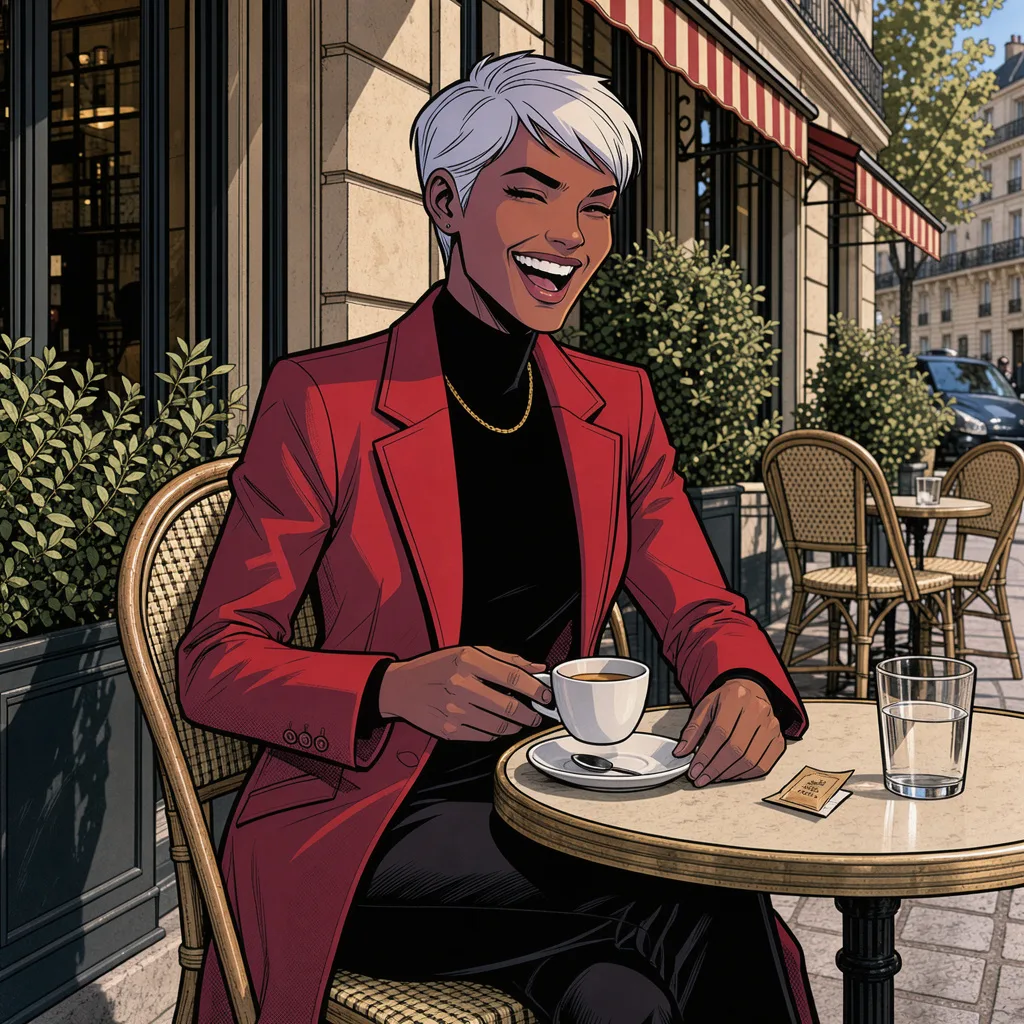
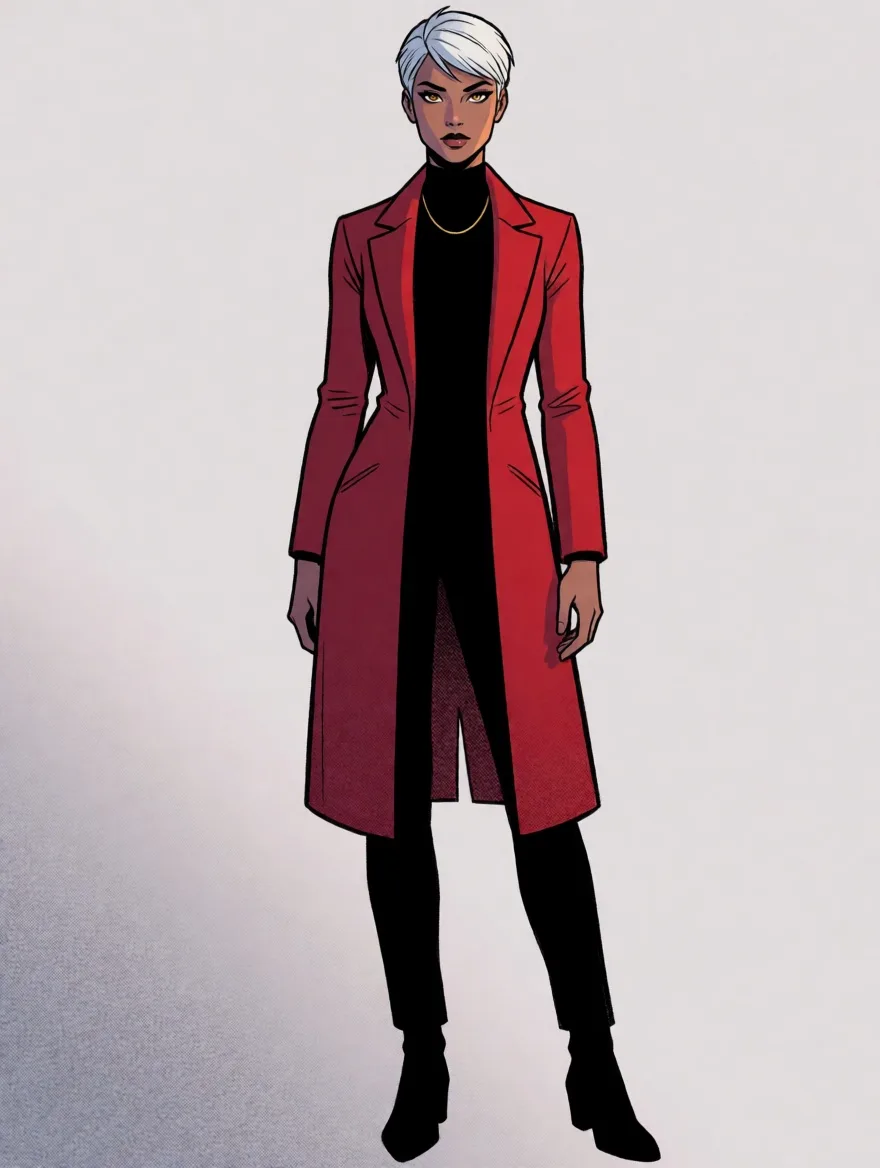
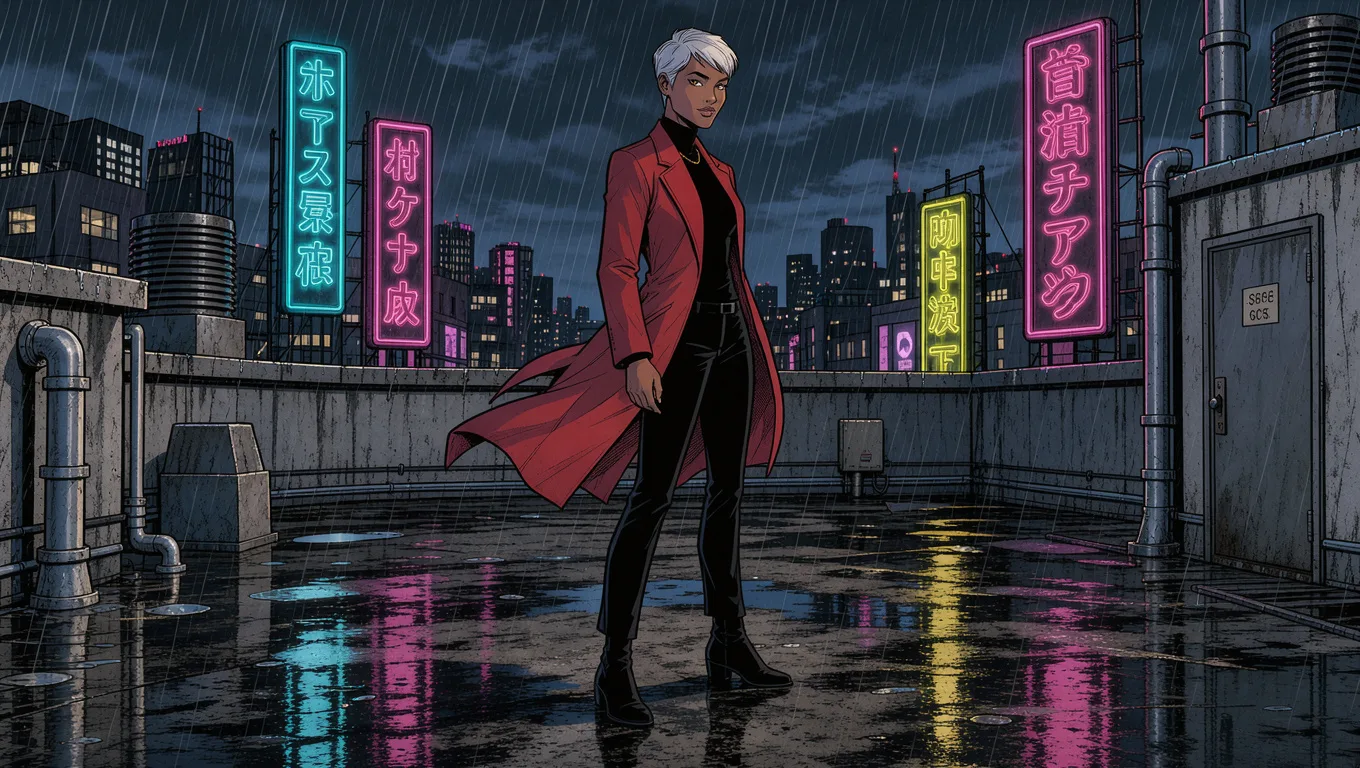
Give a character two pictures. Every panel you put them in keeps their face, their hair and what they wear.
Placing things
Put things exactly there.
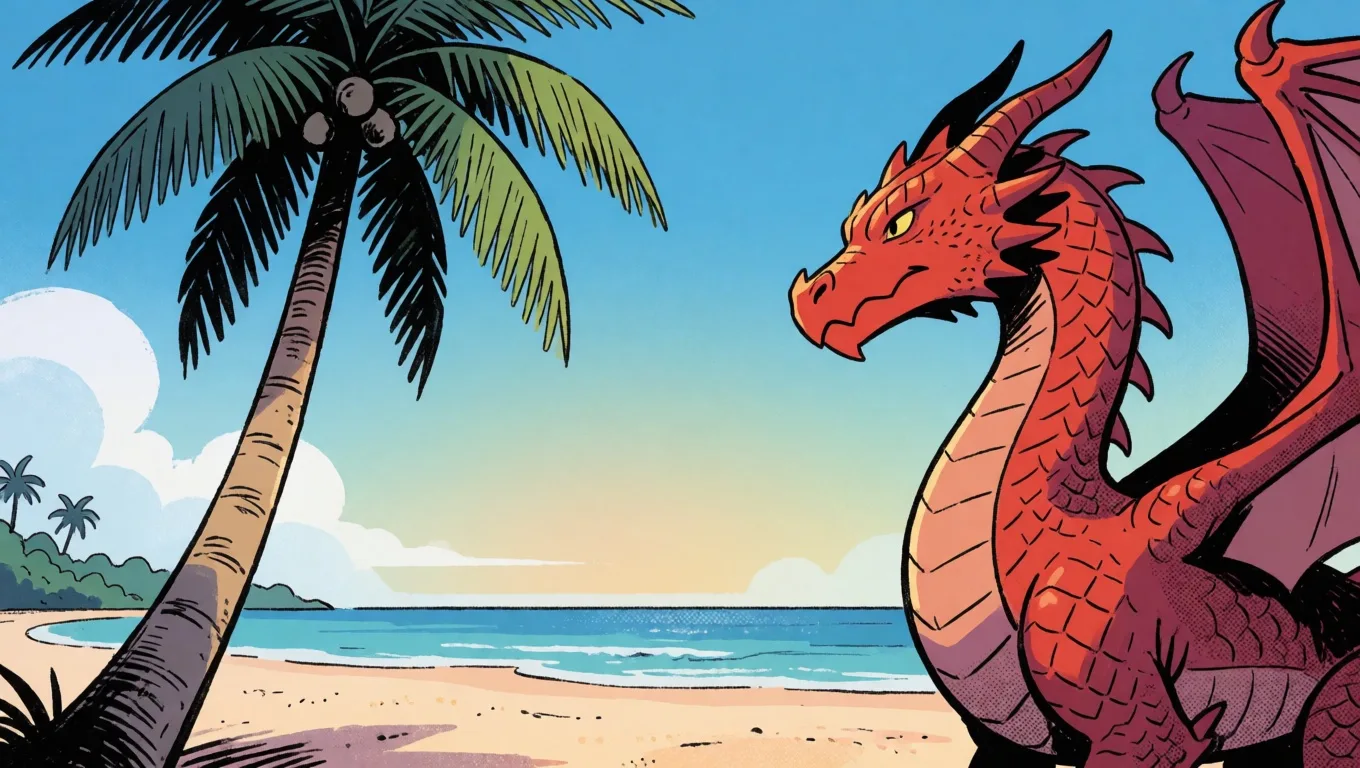
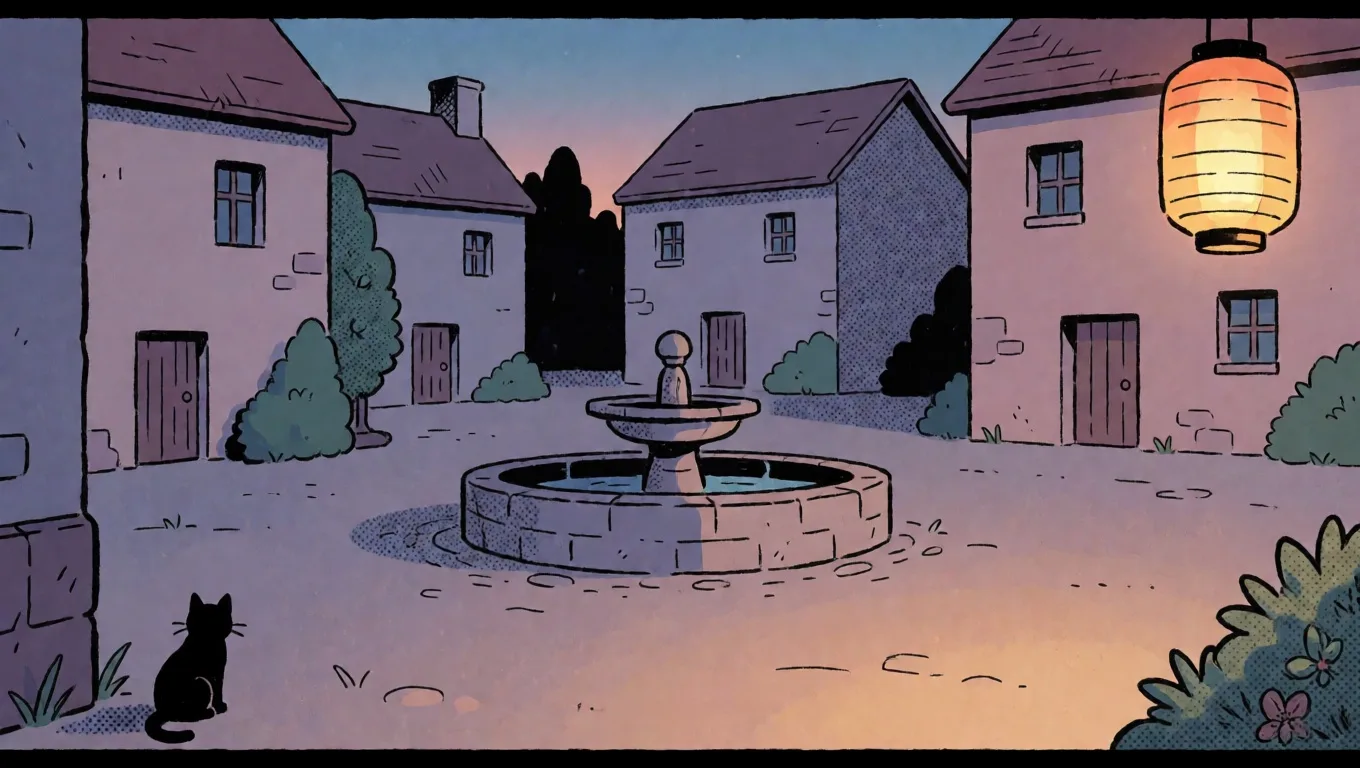
Drag a box on the panel and say what goes in it. A palm tree on the left and a dragon on the right come out that way round.
What people use it for
What people make with it
A first comic
Tell the story you have always meant to draw, one page at a time, without learning to draw first.
A storyboard
Block out a scene for a video, an ad or a pitch as panels, with the same people in every frame.
A gift
A page about how two people met, a pet's secret life or a friend's birthday, printed or sent as a PDF.
A webcomic
Keep a cast and a style across weeks of pages, saved to your account and opened on any device.
Before you start
What it does and doesn't do
Layouts you can reshapeYes
Start from one of 17 layouts, then drag a line to resize two panels or drag its end to tilt it for an action page.
One look for the whole comicYes
Choose an art style once, from comic, manga, painting and more, or blend up to three; every new panel uses it.
The same charactersYes
Give a character two to four pictures and they keep their face, hair and outfit in every panel they are in.
LetteringYes
Speech balloons with tails, thought bubbles, captions and sound effects, edited where they sit on the page.
Words inside the picturesNo
Panels are drawn without lettering, because drawn words come out garbled; the lettering goes on the page instead.
Real people's likenessesNo
Characters are your own creations or people who agreed to it; the tool is not for drawing someone without their permission.
Limits and price
Comic Creator: what is free and what it costs
- Free
- Your first 3 panels on an account, no card needed. A panel that doesn't draw doesn't count.
- A panel
- 10 credits ($0.02) from words. Keeping a character's look from their pictures is 40 credits ($0.08) with one picture, more with each picture the panel reads, 170 credits ($0.34) at most.
- Changing part of a panel
- 30 credits ($0.06) to change or remove one thing you click.
- Layouts
- 17 to start from, then any line between panels can be dragged or tilted; up to 12 panels a page.
- Characters
- Up to 3 in a panel, each kept from up to 4 pictures.
- Export
- A page as a 2,400 × 3,600 picture, or every page in one PDF, free.
- Credits
- 500 credits are $1. No subscription; you add credits when you need them.
Compared
Ways to make a comic, compared
| Comic Creator | Drawing it by hand | A general image generator | |
|---|---|---|---|
| Panel layouts | 17 layouts, lines you drag and tilt | Ruled by hand | None: one picture at a time |
| Same characters | Kept from their pictures in every panel | As consistent as your hand | Changes from picture to picture |
| One art style | Chosen once for the whole comic | Your own | Written into every prompt |
| Lettering | Balloons, captions and sound effects on the page | By hand | Another app |
| Fix one thing | Click it and say what it becomes | Redraw it | Make the whole picture again |
| Finished page | A print-size picture or a PDF of every page | Scan it | Put pictures together yourself |
Checked in October 2026. Other tools change, so check their own pages before relying on a detail.