Comic strip makerThree panels. One punchline.
The comic strip maker lets you make a comic strip online, three or four panels on a wide page: describe the setup, the beat and the punchline, and each panel is drawn in the same cartoon style with the same characters, ready for balloons and captions. Your first 3 panels are free; after that a panel is 10 credits ($0.02), and the price is on the button before you draw.
- Strips of three or four panels
- The same cast every day
- A wide picture ready to post
Updated
How it works
How to make a comic strip
- 1
Choose a strip of three or four panels on a wide page and a cartoon style.
- 2
Describe the setup, the beat and the punchline, one panel each, with your recurring characters in them.
- 3
Add a caption and the balloons, then export the strip as one wide picture or keep it with the rest of your strips.
What you get
A finished strip
What every strip comes with
- A strip of three or four panels on a wide page
- The same cartoon characters in every strip
- Captions, speech and thought balloons
- One wide picture, ready to post
What people use it for
What comic strips are for
A daily or weekly strip
Keep the same characters and the same look across every strip, saved together as one comic.
Social posts
A three-panel joke is the right size for a feed; export it as one wide picture.
Office and school
A strip in a newsletter, a slide or a class handout says it faster than a paragraph.
Explaining a product
Problem, attempt, fix: the oldest strip shape is also the shortest product demo.
Before you start
What the strip maker does
Strip layoutsYes
A strip of three or four panels side by side on a wide page, or any page split into a row.
A recurring castYes
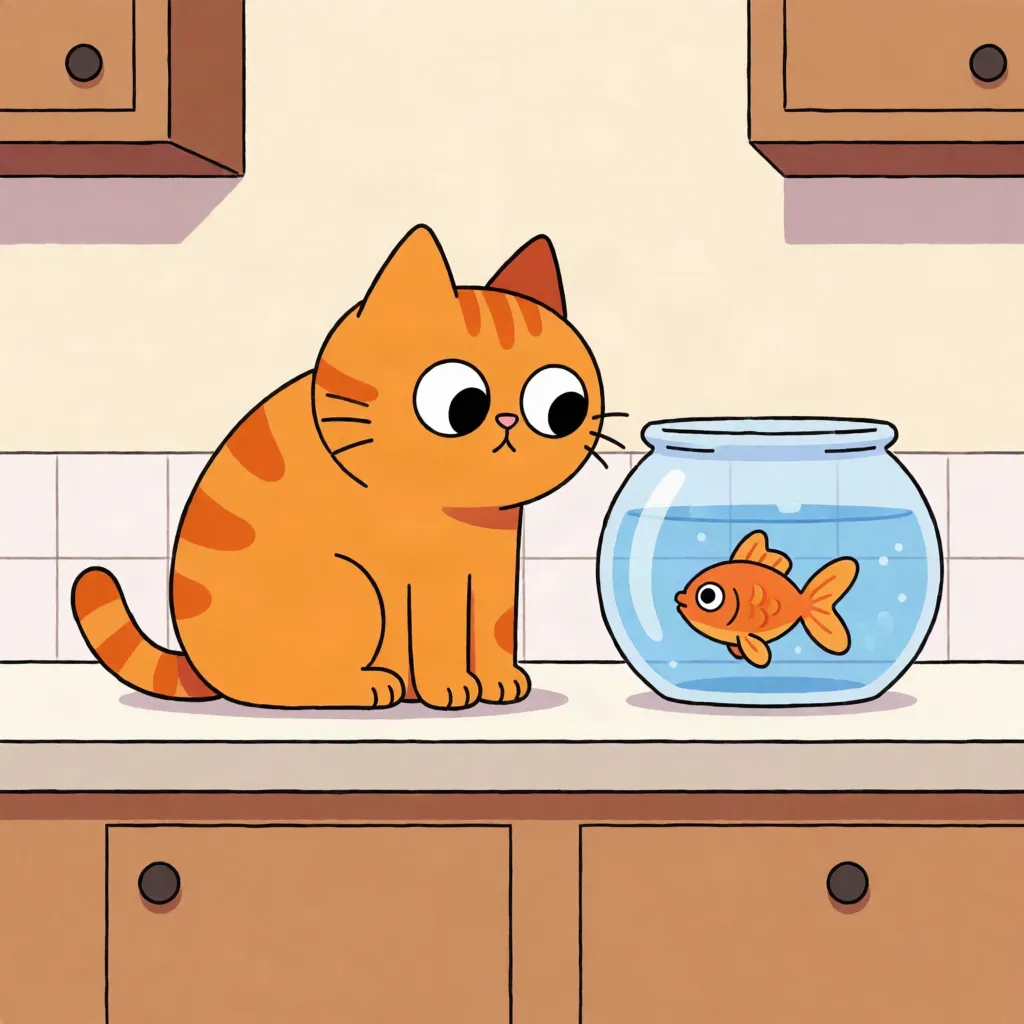
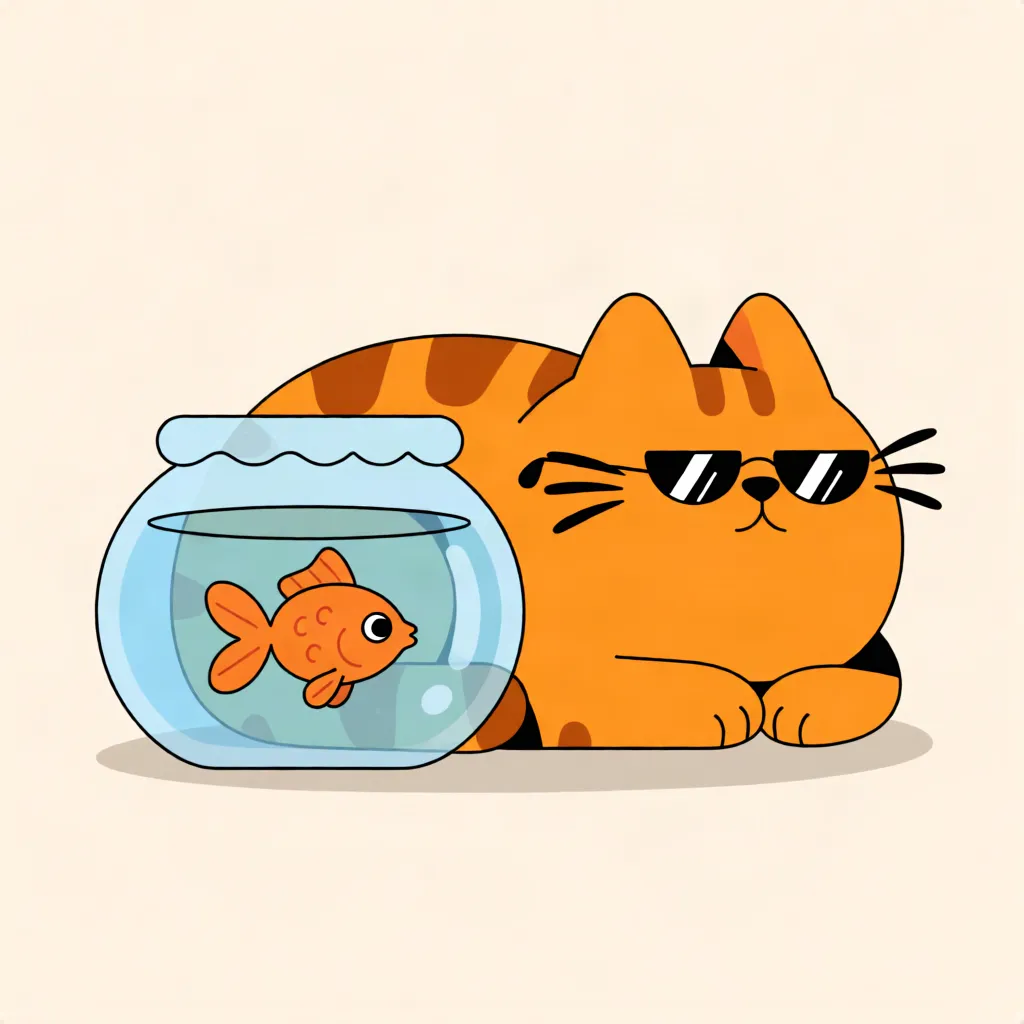
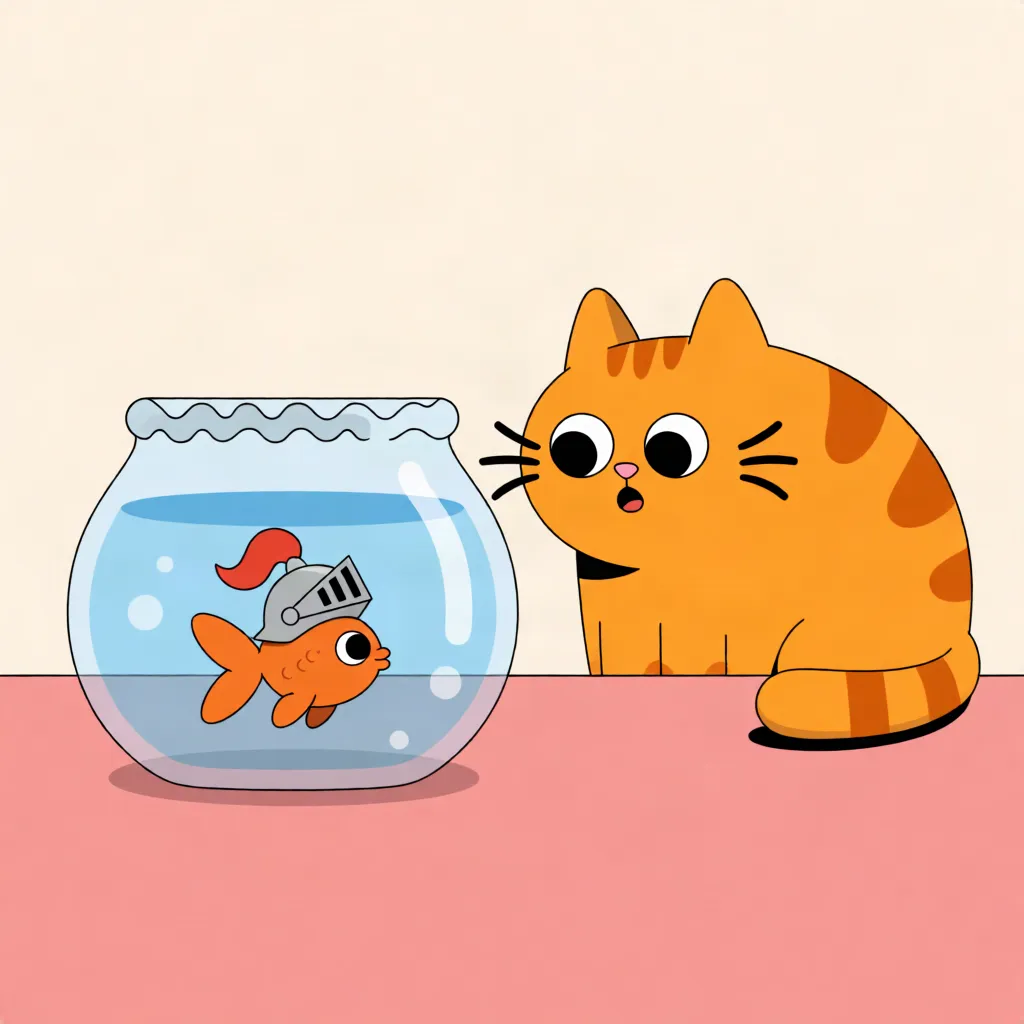
A cat, a fish, a boss, a kid: give each a few pictures and they look the same every strip.
Cartoon stylesYes
Clean modern cartoons, classic newspaper looks, rubber-hose and more from the style library.
Captions and balloonsYes
A caption for the setup, balloons for the beat, a sound effect for the punchline.
Writing the jokeNo
The helper writes each panel's scene from your idea; the joke itself is yours.
Animated stripsNo
Strips export as still pictures and PDFs, not as video or GIFs.
Limits and price
Comic strip maker: free panels and prices
- Free
- Your first 3 panels on an account, no card needed. A panel that doesn't draw doesn't count.
- A panel
- 10 credits ($0.02) from words. Keeping a character's look from their pictures is 40 credits ($0.08) with one picture, more with each picture the panel reads, 170 credits ($0.34) at most.
- Changing part of a panel
- 30 credits ($0.06) to change or remove one thing you click.
- Layouts
- 17 to start from, then any line between panels can be dragged or tilted; up to 12 panels a page.
- Characters
- Up to 3 in a panel, each kept from up to 4 pictures.
- Export
- A page as a 2,400 × 3,600 picture, or every page in one PDF, free.
- Credits
- 500 credits are $1. No subscription; you add credits when you need them.
Compared
Comic strip makers compared
| Comic Creator | Drag-and-drop strip builders | Drawing it yourself | |
|---|---|---|---|
| Characters | Your own, drawn for each panel | A fixed set of figures | Your own |
| Poses and scenes | Whatever you describe | The poses in the library | Whatever you can draw |
| Art style | Chosen from a large library | The builder's one style | Yours |
| Changing a panel | Click a thing and say what it becomes | Swap figures | Redraw it |
| Output | A wide picture or a PDF | A picture | A scan |
Checked in October 2026. Other tools change, so check their own pages before relying on a detail.