AI comic generatorDescribe it. Get the comic.
Type what happens in each panel and the AI comic generator turns your text into a comic page or a whole comic book: it draws each panel in one art style, keeps your characters looking the same, places things where you put boxes, and lets you letter and export the page. Your first 3 panels are free; after that a panel is 10 credits ($0.02), and the price is on the button before you draw.
- A few words per panel are enough
- A helper writes the scene for you
- Boxes put things exactly where you want
Updated

How it works
How the AI comic generator works
- 1
Choose a layout and an art style, then press a panel and type what happens. Not sure how to say it? The helper writes the scene from a few words.
- 2
Add your characters and drag boxes for anything that must sit in a particular spot. The price is on the button, and your first panels are free.
- 3
Fix a detail by clicking it and saying what it should be, letter the page, and export it as a picture or a PDF.
What you get
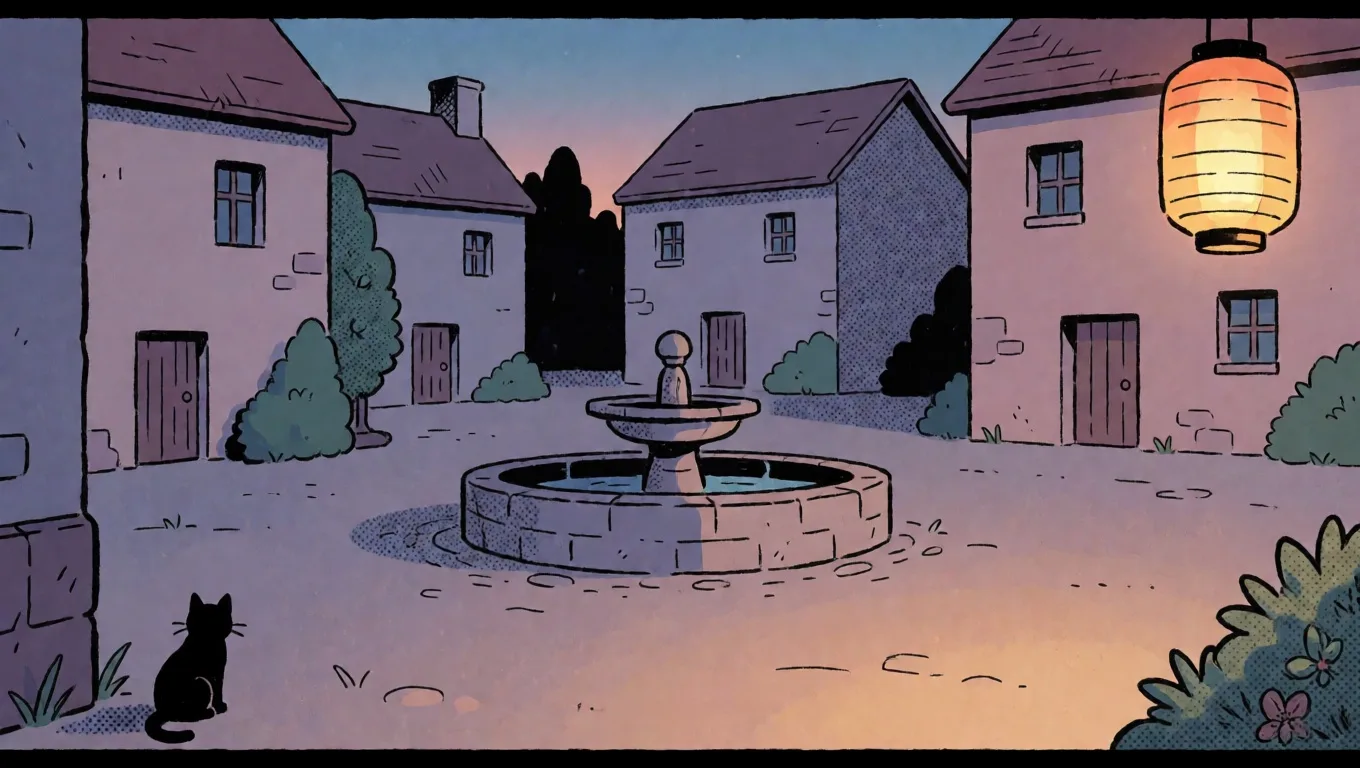
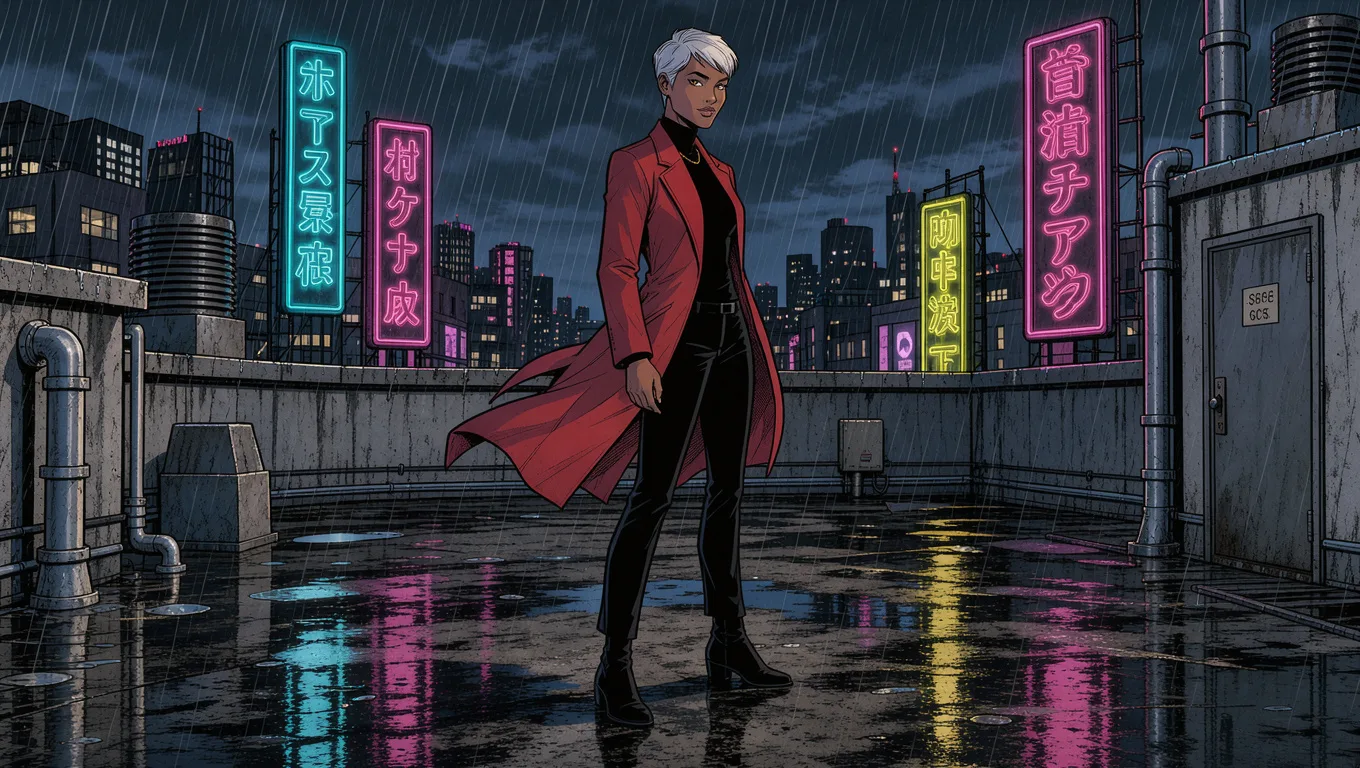
Generated panels, lettered on the page
What you get from a few words
- Panels drawn from a sentence, each at its own shape
- A helper that turns a rough idea into a full scene
- The same characters from panel to panel
- Boxes that decide where things go
- One-click fixes to a single thing in a panel
- Lettering and export, without another app
Placing things
Boxes the generator follows.
Prompts alone leave placement to chance. Draw a box, write what belongs in it, and the panel is drawn with it there.
What people use it for
Who uses an AI comic generator
Ideas faster than sketches
Try a scene three ways in a minute and keep the one that reads best, before anyone draws a line.
Marketing in panels
Turn a product story or a customer's day into a short comic for a post, a deck or a landing page.
Teaching with pictures
Explain a process or a bit of history as a sequence a class actually reads to the end.
Fan of your own world
Bring the characters from your notes or your game to life, the same faces on every page.
Before you start
What the generator can and can't do
Words to a panelYes
One sentence is enough; the helper can turn it into a full scene the art model follows closely.
Placing thingsYes
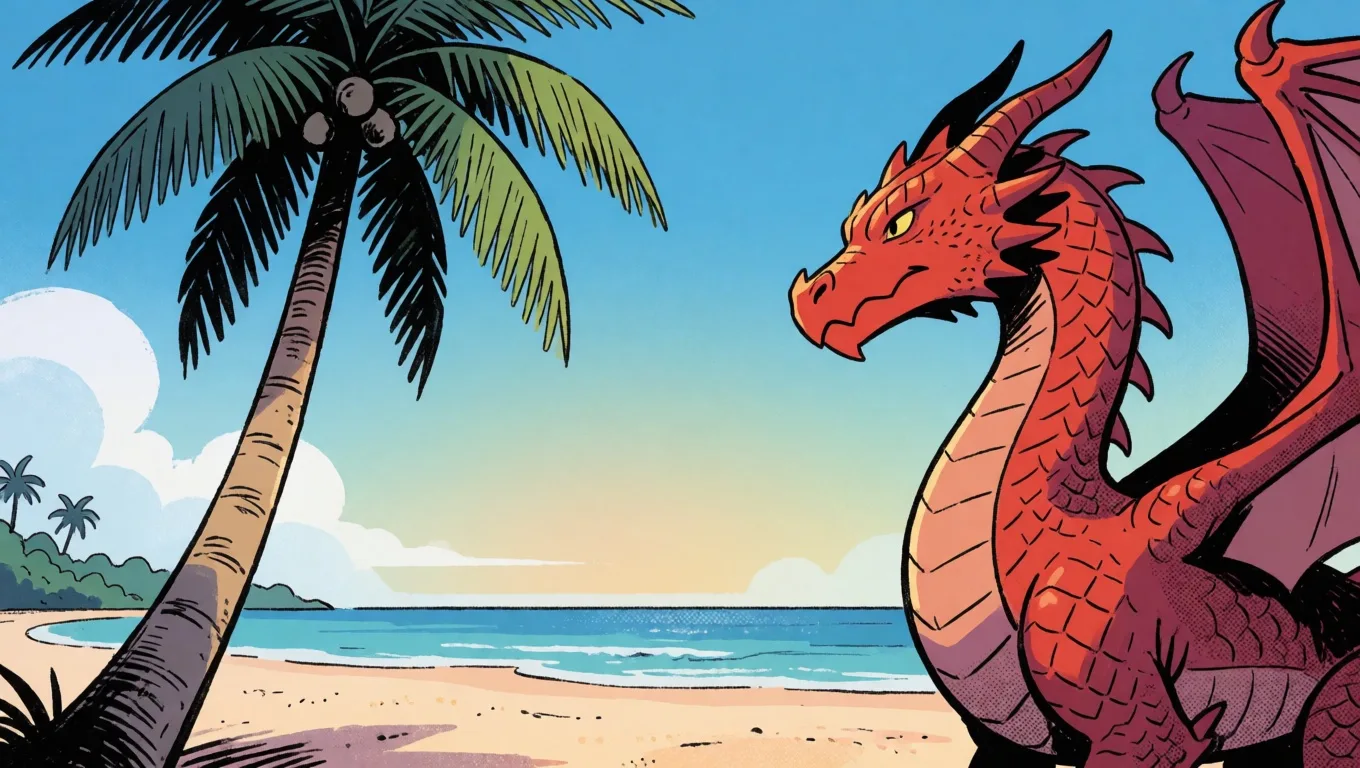
Draw up to 6 boxes on a panel and say what goes in each; a palm tree in a left box and a dragon in a right one come out that way round.
Keeping a characterYes
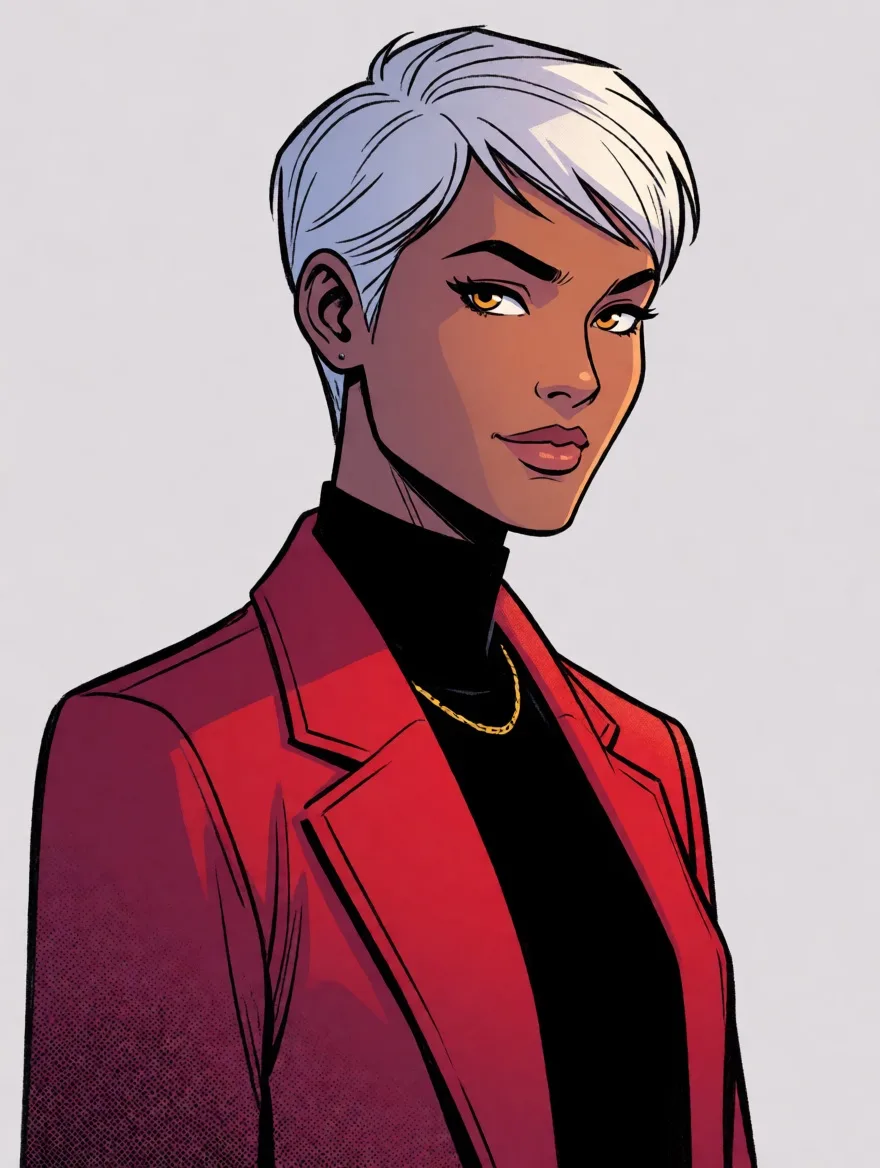
Pictures keep a face and an outfit; a written look alone also holds well across panels in the same style.
Fixing one detailYes
Click a thing in a panel and say what it should be, or remove it; only that part is redrawn.
A whole comic from one promptNo
You decide each panel; it doesn't write a whole story for you, and that is what keeps it yours.
Drawn-in textNo
Words drawn inside a picture come out garbled, so lettering is added on the page, where you can edit it.
Limits and price
AI comic generator: free panels and prices
- Free
- Your first 3 panels on an account, no card needed. A panel that doesn't draw doesn't count.
- A panel
- 10 credits ($0.02) from words. Keeping a character's look from their pictures is 40 credits ($0.08) with one picture, more with each picture the panel reads, 170 credits ($0.34) at most.
- Changing part of a panel
- 30 credits ($0.06) to change or remove one thing you click.
- Layouts
- 17 to start from, then any line between panels can be dragged or tilted; up to 12 panels a page.
- Characters
- Up to 3 in a panel, each kept from up to 4 pictures.
- Export
- A page as a 2,400 × 3,600 picture, or every page in one PDF, free.
- Credits
- 500 credits are $1. No subscription; you add credits when you need them.
Compared
AI comic generator or a plain image tool?
| Comic Creator | A plain image generator | A stock comic template | |
|---|---|---|---|
| Panels on a page | Drawn at each panel's own shape | One square or wide picture at a time | Fixed boxes to fill |
| Characters across panels | Kept from their pictures | A new face most times | Clip-art figures |
| Where things go | Boxes you draw on the panel | Hoping the prompt lands | Drag stickers around |
| Changing a detail | Click it, say what it becomes | Make the picture again | Swap the sticker |
| Lettering | Balloons, captions, sound effects | Another tool | Built in |
Checked in October 2026. Other tools change, so check their own pages before relying on a detail.