AI manga generatorMake manga pages online.
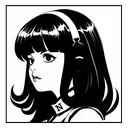
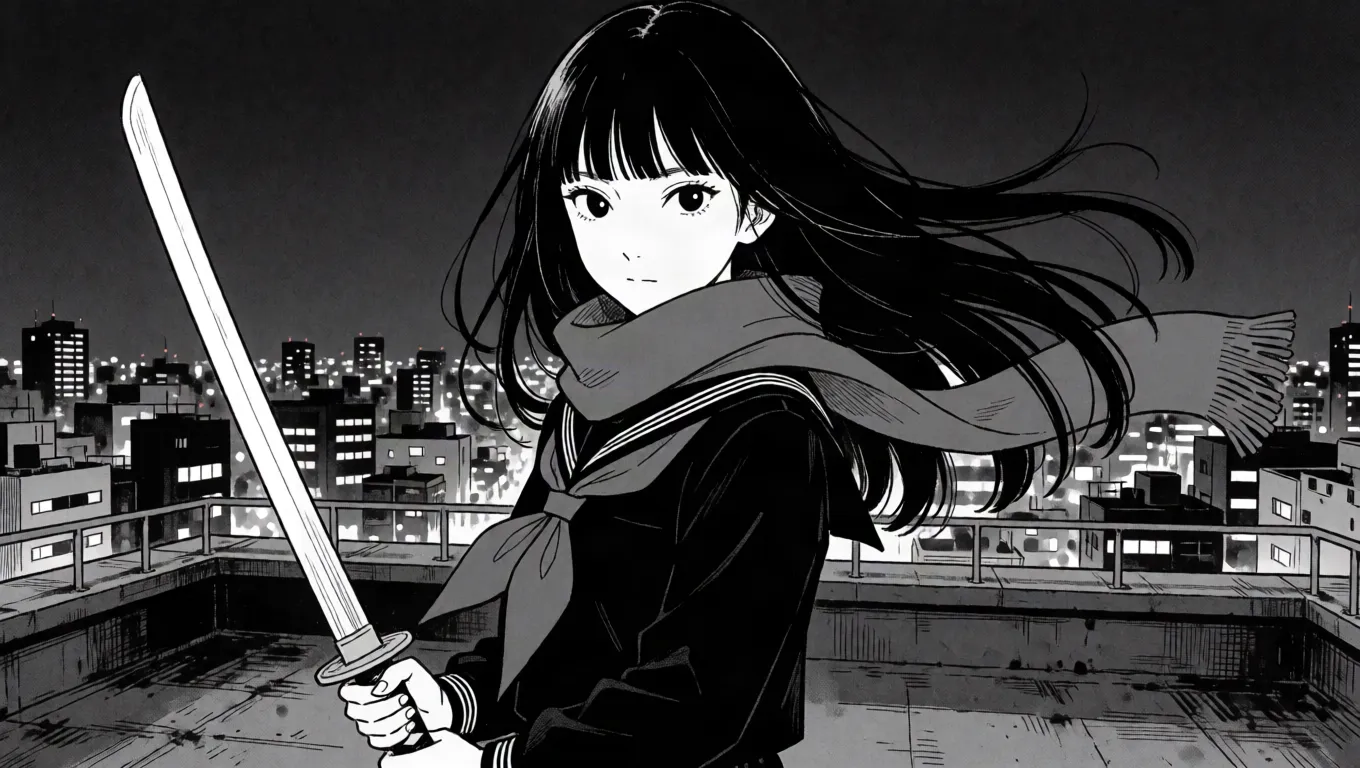
The AI manga generator draws each panel you describe in a manga style of your choice, black and white with screentone, on a page with slanted panels, your characters the same on every page, ready for speech, thoughts and sound effects. Your first 3 panels are free; after that a panel is 10 credits ($0.02), and the price is on the button before you draw.
- Manga, shojo and seinen looks
- Slanted panels for action pages
- Sound effects and thought bubbles
Updated
How it works
How to make a manga page
- 1
Open a manga layout (Manga, Shatter or Action) and pick a manga style; tilt any line between panels to pace the page.
- 2
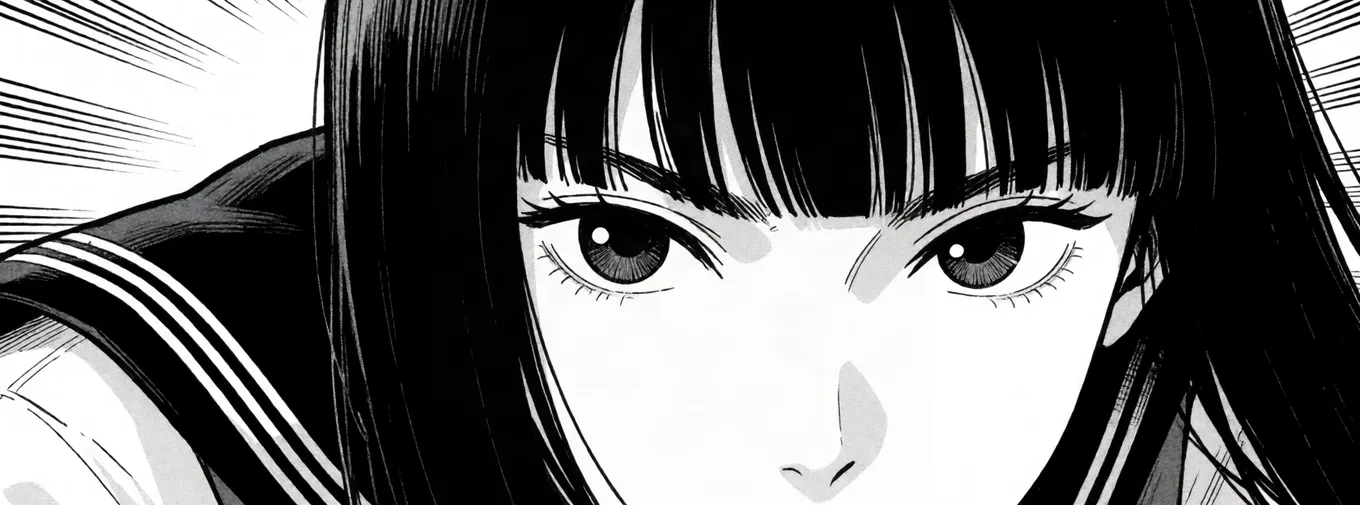
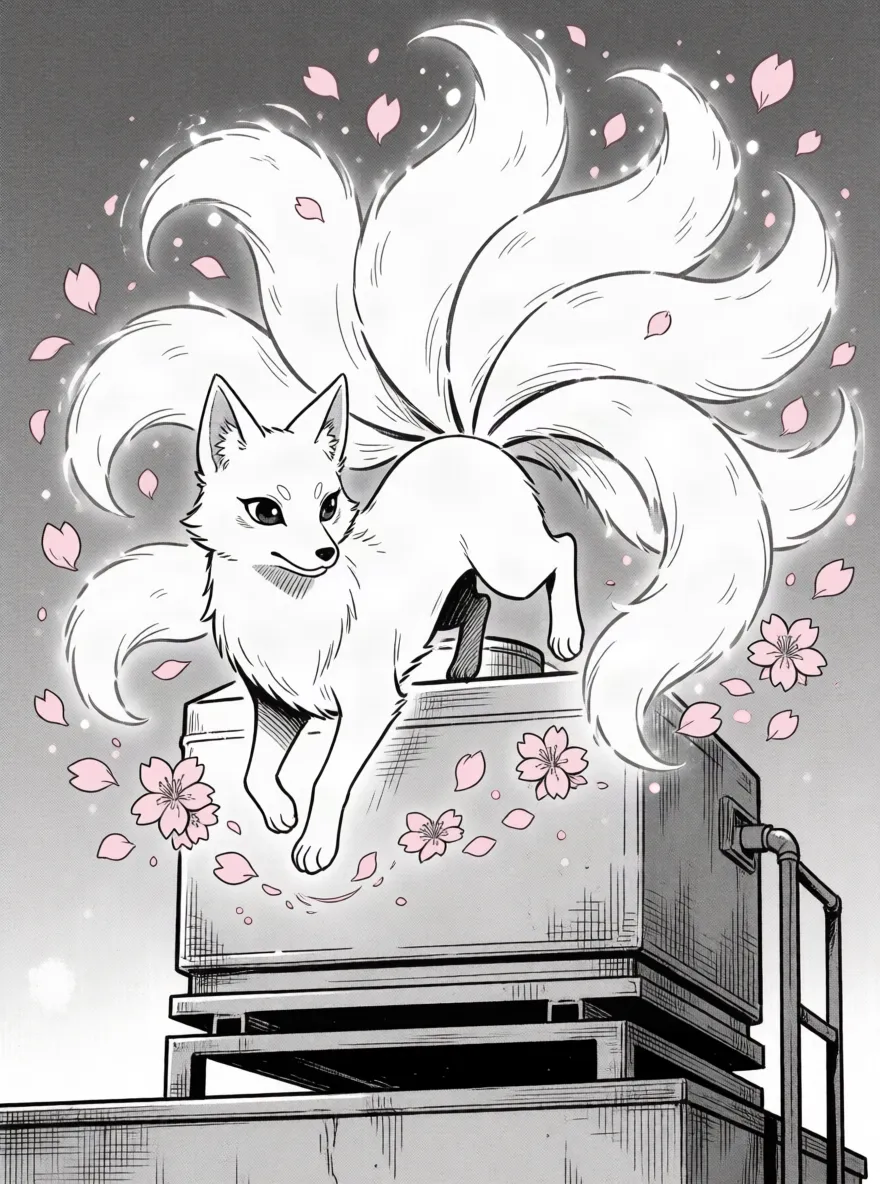
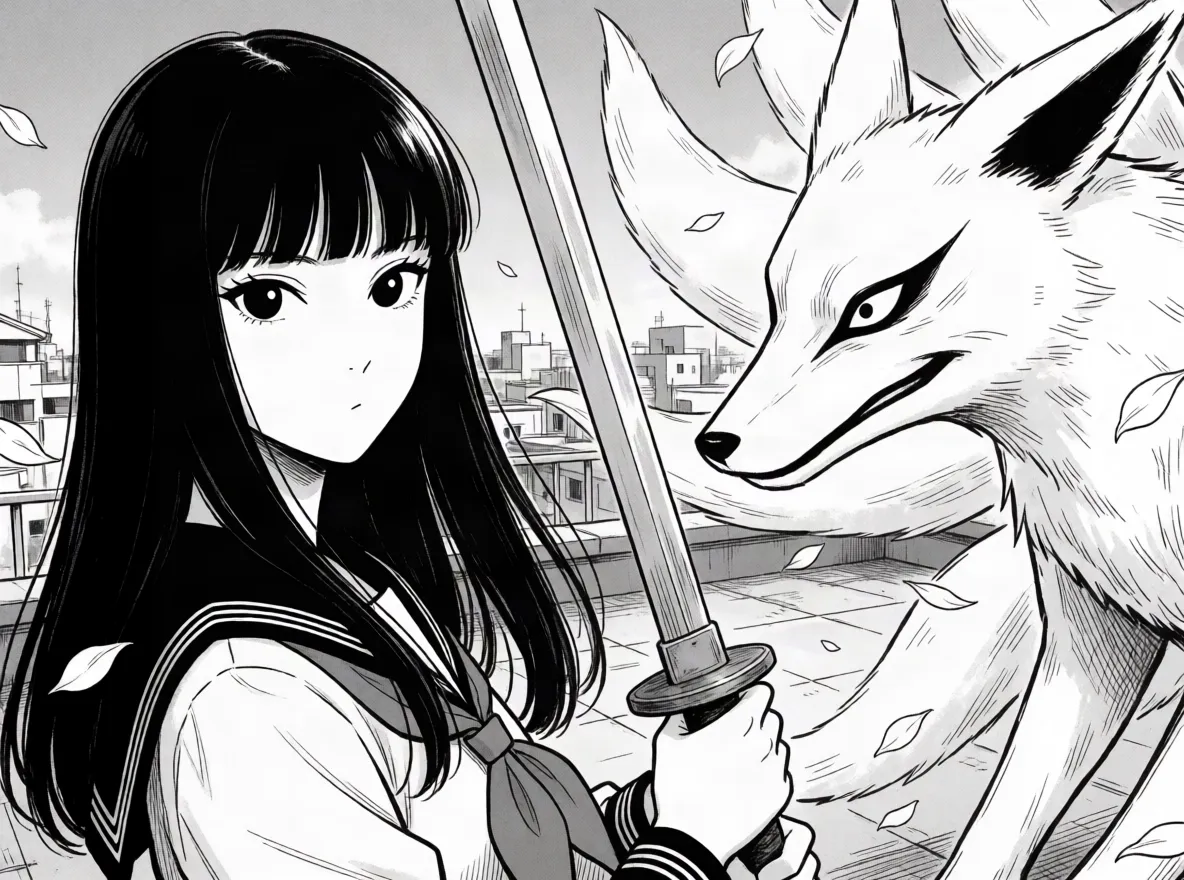
Press each panel and describe the beat: a close-up on her eyes, the fox spirit appearing, the two facing off. Give your cast pictures so they stay on model.
- 3
Add sound effects, thoughts and speech, then export the page or the whole chapter as a PDF.
What you get
A manga page from the maker
What a manga page comes with
- Black-and-white manga pages with screentone looks
- Slanted, stacked and close-up panels for pacing
- A cast that stays on model across the chapter
- Big sound effects and thought bubbles
- A PDF of the chapter, or each page as a picture
What people use it for
What people make with a manga maker
Your original series
Start the story you have been planning: a cast, a look and the first chapter's pages, kept on your account.
A one-shot
A single complete story in a handful of pages, for a contest, a zine or to share online.
Fight scenes
Slanted panels, close-ups and big sound effects pace an action page the way manga does.
Learning the language
Lay out pages to study panel flow and pacing, then redraw them by hand if you like.
Before you start
What the manga maker handles
Manga looksYes
Pick a manga style from the library, from clean shojo to dense, gritty ink, or blend two for your own.
Slanted and stacked panelsYes
Start from the Manga, Shatter or Action layouts, then tilt any line between panels by dragging its end.
A recurring castYes
Keep a heroine, a rival and a mentor the same from page to page with a few pictures of each.
Sound effectsYes
Big outlined sound-effect words, thought bubbles and speech balloons placed anywhere on the page.
Right-to-left readingNo
Panels are numbered left to right; for a right-to-left book, lay out and letter the page in that order yourself.
Drawing in an artist's own handNo
Styles are looks, not copies of a living artist's pages; it won't reproduce someone's published work.
Limits and price
Manga maker: free panels and prices
- Free
- Your first 3 panels on an account, no card needed. A panel that doesn't draw doesn't count.
- A panel
- 10 credits ($0.02) from words. Keeping a character's look from their pictures is 40 credits ($0.08) with one picture, more with each picture the panel reads, 170 credits ($0.34) at most.
- Changing part of a panel
- 30 credits ($0.06) to change or remove one thing you click.
- Layouts
- 17 to start from, then any line between panels can be dragged or tilted; up to 12 panels a page.
- Characters
- Up to 3 in a panel, each kept from up to 4 pictures.
- Export
- A page as a 2,400 × 3,600 picture, or every page in one PDF, free.
- Credits
- 500 credits are $1. No subscription; you add credits when you need them.
Compared
Making manga: the options
| Comic Creator | Drawing manga by hand | Panel templates in a drawing app | |
|---|---|---|---|
| Getting started | Describe a moment, see it drawn | Years of practice | A blank page and a brush |
| Screentone and ink | Part of the chosen style | Applied by hand | Brushes and tone patterns |
| Action layouts | Slanted panels you drag into shape | Ruled by hand | Templates, then manual edits |
| Same characters | Kept from their pictures | Your model sheets | Your model sheets |
| Sound effects | Typed onto the page | Hand-lettered | Text tools |
Checked in October 2026. Other tools change, so check their own pages before relying on a detail.