HivemindOS Mini

Click it. Say it. It’s changed.

Drop in a photo and click anything in it: a chair, a jacket, a car, the sky. Say what should be there instead and press Enter. Only that part is redrawn, to match the light and the angle; everything else is your photo, untouched.

  • One click selects the whole thing
  • See the result free, no sign-up
  • Unlock the full-size photo when you love it
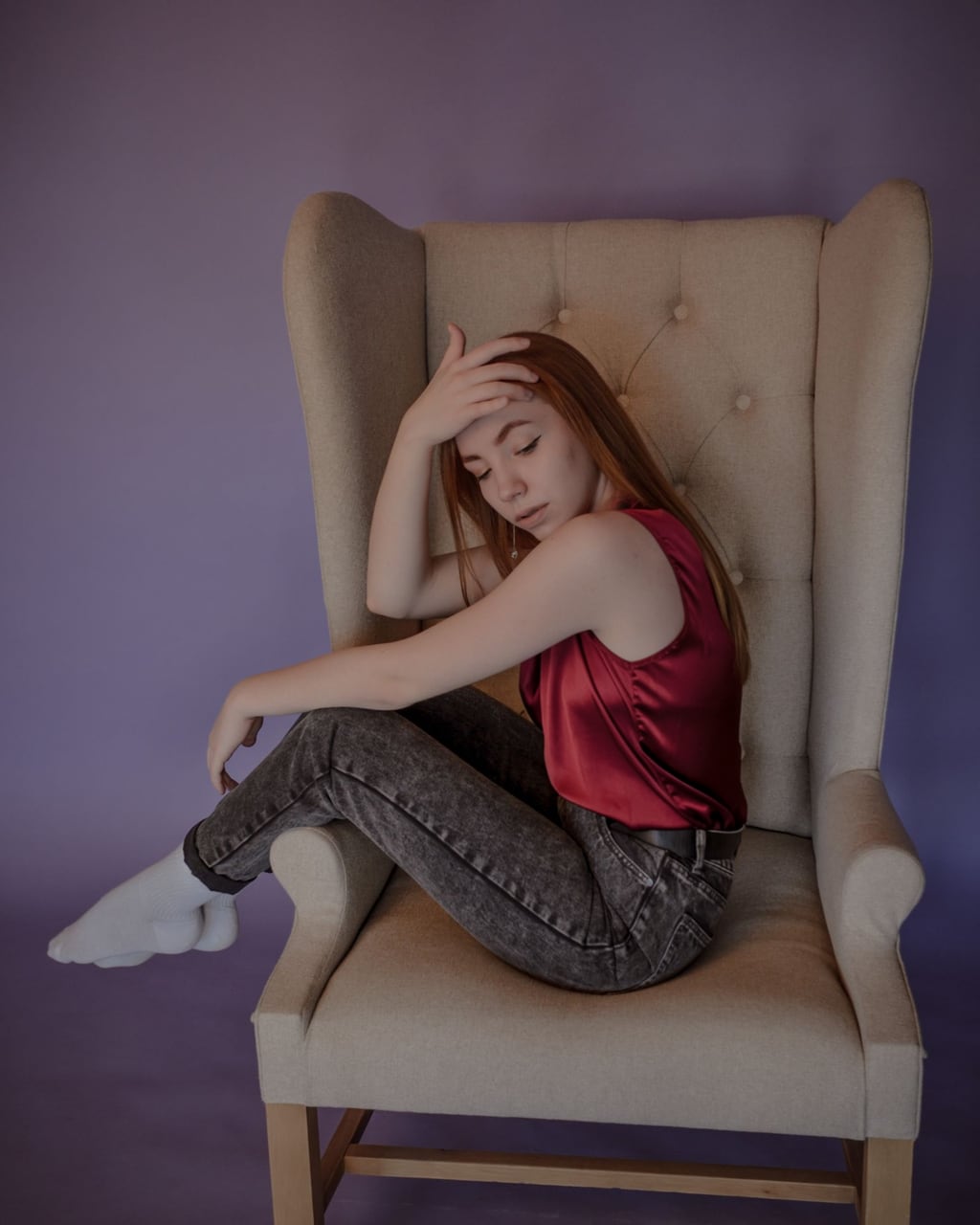
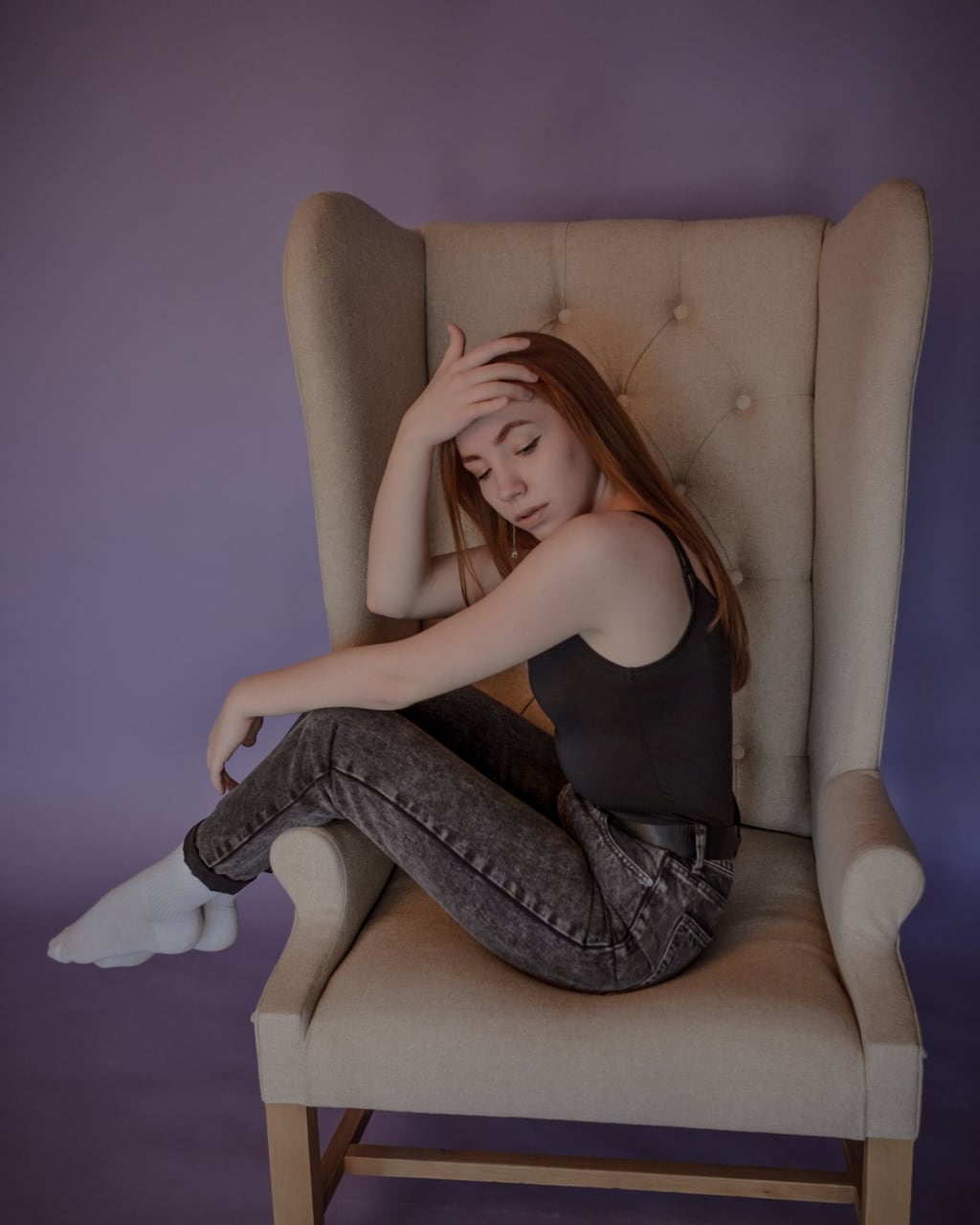
A woman on an armchair, her black top clicked and replaced with a red silk blouse
One click on her top, then “a red silk blouse”. Drag the line to compare.

Three steps, about a minute.

  1. 1

    Drop a photo

    Any photo with something in it you’d change: furniture, clothes, a sign, a car, a pet’s collar.

  2. 2

    Click the thing

    One click outlines the whole of it. Click somewhere else if it picked the wrong thing.

  3. 3

    Say what goes there

    “A red velvet armchair.” Press Enter. Compare before and after, then unlock the full photo.

Two replaces a day are free to see, as a smaller picture with a watermark. Unlocking the full-size photo, or making a replace once the free ones are used, is 100 credits, and you only pay for one that finishes. The new part is drawn fresh, so check it before you use it; a thing that is mostly hidden behind something else is harder to change cleanly.

Change one thing. Keep everything else.

Replace something

Example photo by Анастасия on Pexels.

About Replace

Click anything in a photo and change it

Replace lets you point at one thing in a photo, a chair, a jacket, a car, the sky, and say what should be there instead. Only that part is redrawn, matched to the photo's light and angle, and every other pixel stays exactly as you took it. You see the result free, then unlock the full-size photo if you want to keep it.

How it works

  1. Drop a photo onto the page, or tap to choose one.
  2. Click the thing you want to change. One click outlines the whole of it.
  3. Say what should be there instead and press Enter. Compare, then unlock the full photo.

What you get

  • Your photo with just that one thing changed
  • A free preview before you pay anything
  • The full-size photo, unmarked, when you unlock it
  • A before and after you can drag to compare
  • A save to your brain
  • The price shown before you spend anything

Price Free to see, 100 credits for the full photo. One credit balance works across every HivemindOS Mini app.

Questions

Is it free?
Two replaces a day are free to see, as a smaller picture with a watermark. Unlocking the full-size photo costs 100 credits. Once the free ones are used, a replace is 100 credits and comes back full size and unmarked.
Will the rest of my photo change?
No. Only the part you clicked, plus a thin edge round it, is redrawn; everything outside it is your original photo.
It selected the wrong thing. What now?
Click again somewhere else. Each click picks the whole object under it, so click right on the thing you mean rather than its edge.
What works best?
Clear, separate things: furniture, clothes, cars, signs, plants, the sky. Something mostly hidden behind another object, or very small, is harder to change cleanly.
What if a replace fails?
A replace that does not finish is not charged, so you only pay for pictures you get.

Other tools you might like

See every Mini app

Take it further

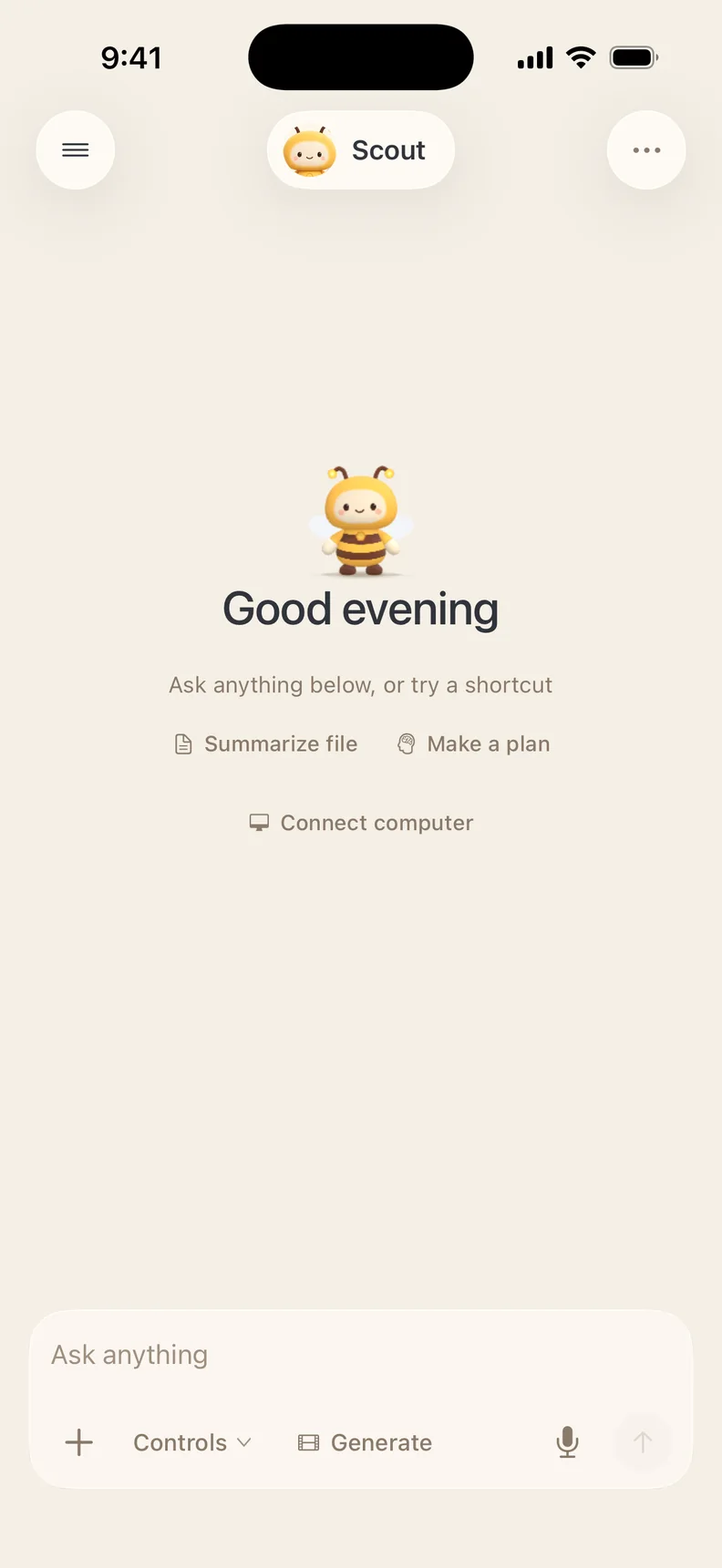
Do it in chat

Ask Scout in plain words. It uses this tool and the rest of HivemindOS for you.

Take it with you

Do this and much more on the go with the HivemindOS app for iPhone.

+ 799 others in the hive

Join the hive

Get in on all the buzz 🐝 New tools, tips and what people are making with them.