HivemindOS Mini

Move the sun. Keep the photo.

Upload an outdoor photo and drag the sun anywhere in the sky: low on the left, high overhead, or behind the building. Relight gives you back the same scene with the light and the shadows coming from where you put it.

  • Any sun position, including backlight
  • Free studio lights for portraits and products, no sign-up
  • HD downloads for print and big screens
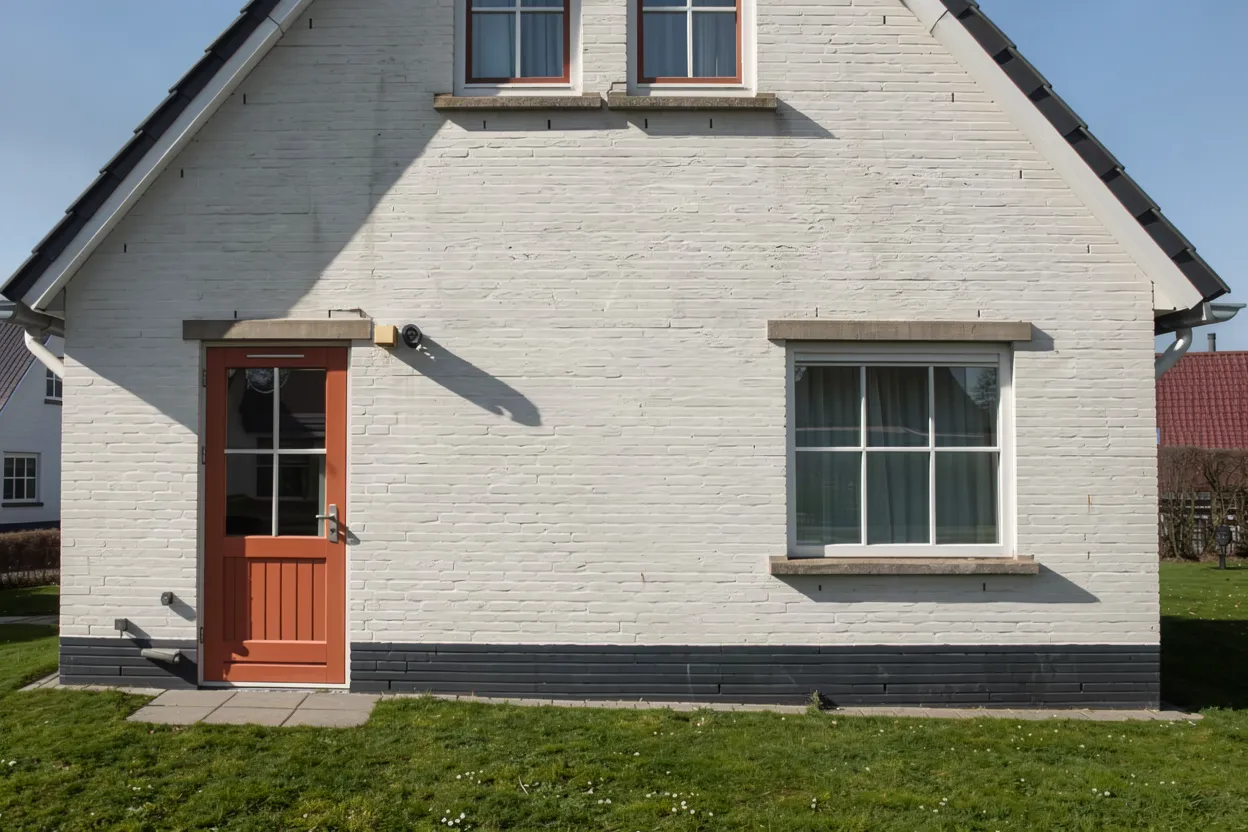
The same house relit: low sun from the left
behindyouleftright

Tap a dot on the sky to move the sun. Every picture here was made by Relight from the one photo.

Two ways to relight.

Move the sun

The real thing. Relight takes the old shadows out and casts new ones from where you put the sun, the sky included. Made for outdoor photos. Paid per photo, with the price shown first; another sun on the same photo costs less, and any result can be downloaded in HD.

Studio light Free

Place up to three lights on a portrait, a product or anything with shape: the light follows the face or the object, casts shadows, and can fall through blinds, a window or leaves. It answers as you drag. Your photo is read once to find its shape and isn’t kept.

Three steps, about a minute.

  1. 1

    Add a photo

    An outdoor shot works best: a house, a street, a garden, a storefront.

  2. 2

    Put the sun where you want it

    Drag it round the sky. The middle is overhead, the edge is the horizon, the top is behind the scene.

  3. 3

    Relight and download

    You see the exact price first. Compare before and after, download it or get it in HD, or try another sun for less.

Move the sun is made for outdoor photos in daylight. Indoor rooms and night scenes don’t have a sun to move, so they won’t change much; use Studio light on those. A relit picture comes back at about one megapixel (around 1,250 by 830 for a landscape photo), or four times that in HD, and it can redraw small details, so check it before you use it.

Golden hour, whenever you took the photo.

Relight a photo

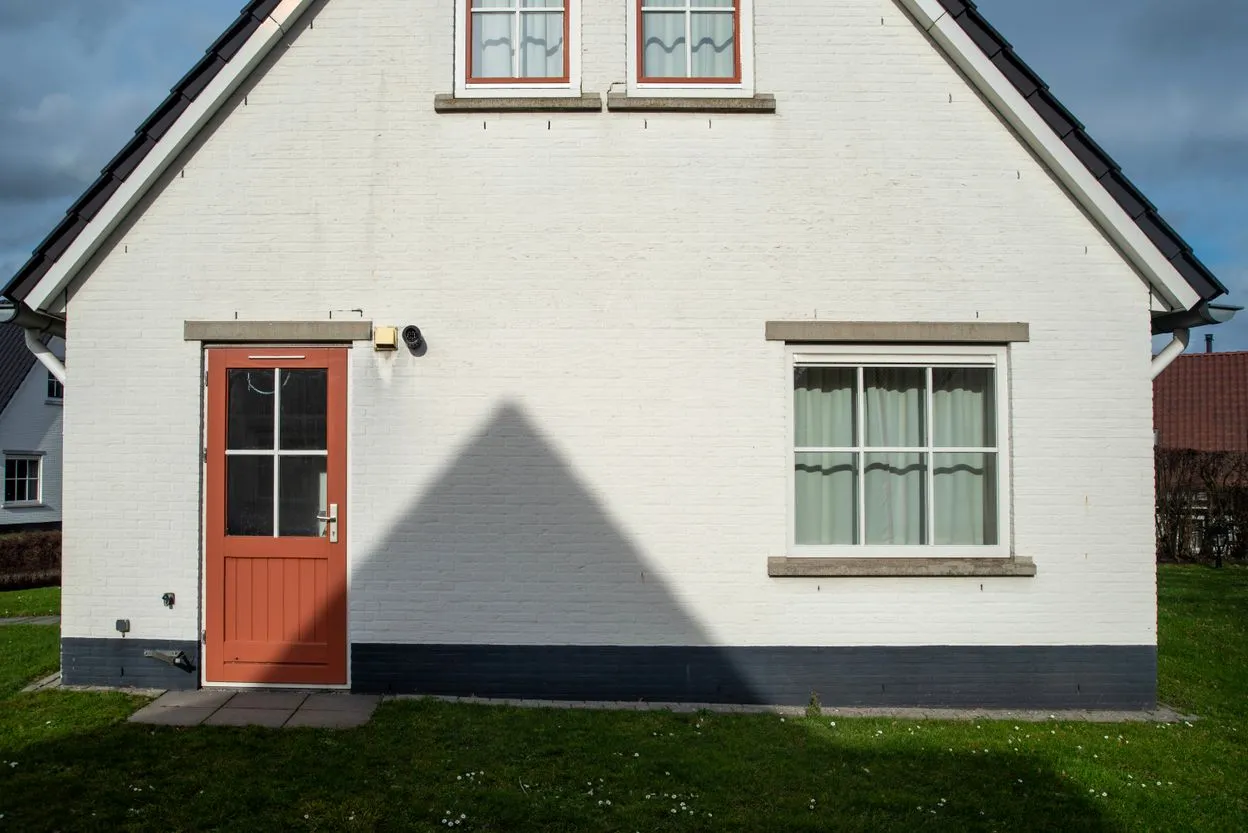
Example photo by Jan van der Wolf on Pexels.

About Relight

Move the sun in any outdoor photo

Relight takes an outdoor photo and puts the sun wherever you choose: low on the left, high overhead, or behind the building. You get back the same scene with its light and shadows coming from the new sun, so one shot can become morning, midday or golden hour. A free Studio light places lights on portraits and products, with shadows and patterns, live as you drag.

How it works

  1. Add an outdoor photo, such as a house, a street, a garden or a storefront.
  2. Drag the sun across the sky picker and see the exact price.
  3. Relight, then compare before and after, download it or try another sun.

What you get

  • Your photo relit, ready to download, or in HD at four times the size
  • Another sun on the same photo for less than the first
  • Free studio lighting with shadows and patterns, for portraits and products
  • A before and after you can drag to compare
  • A save to your brain
  • The exact price, shown before you relight

Price Free, or 65 credits to move the sun. One credit balance works across every HivemindOS Mini app.

Questions

What photos work best?
Outdoor photos taken in daylight: buildings, streets, gardens and storefronts. Indoor rooms and night scenes have no sun to move, so they change very little.
Will it change my photo?
It keeps the scene and changes the light. Small details can be redrawn, so look over the result before you use it.
How big is the picture I get back?
About one megapixel, whatever size you upload: around 1,250 by 830 pixels for a landscape photo, which suits websites, listings and social posts. HD download makes it four times the size (around 5,000 pixels wide) for print and big screens, for a small extra charge shown on the button.
What does the free Studio light do?
Studio light lets you place up to three lights on a photo and drag them live. It reads the shape of your face or product once, so the light wraps round it, casts shadows and can fall through blinds, a window or leaves. Your photo is used only for that and is not kept. It does not take existing shadows away; Move the sun does that for outdoor photos.
What if a relight fails?
A relight that does not finish is refunded, so you only pay for pictures you get.

Other tools you might like

See every Mini app

Take it further

Do it in chat

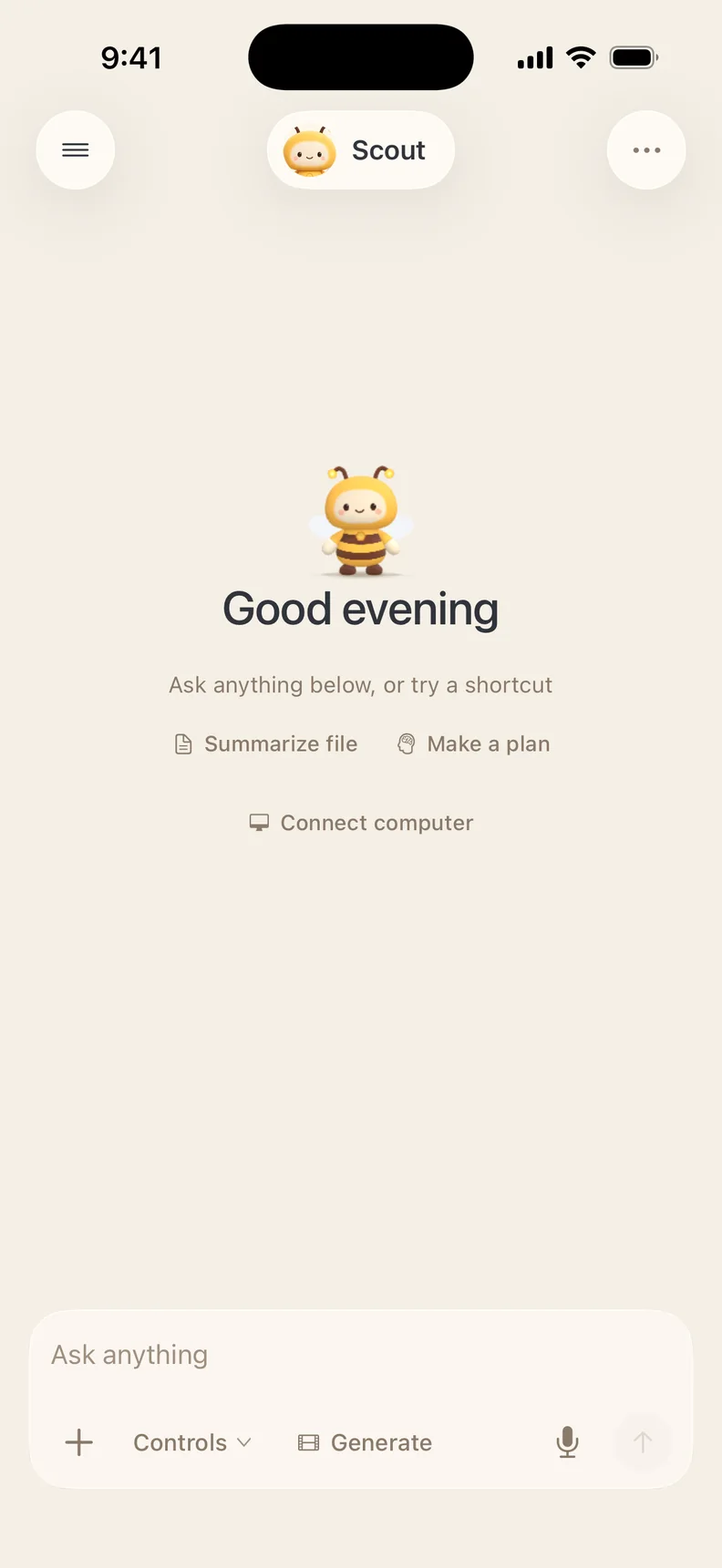
Ask Scout in plain words. It uses this tool and the rest of HivemindOS for you.

Take it with you

Do this and much more on the go with the HivemindOS app for iPhone.

+ 799 others in the hive

Join the hive

Get in on all the buzz 🐝 New tools, tips and what people are making with them.